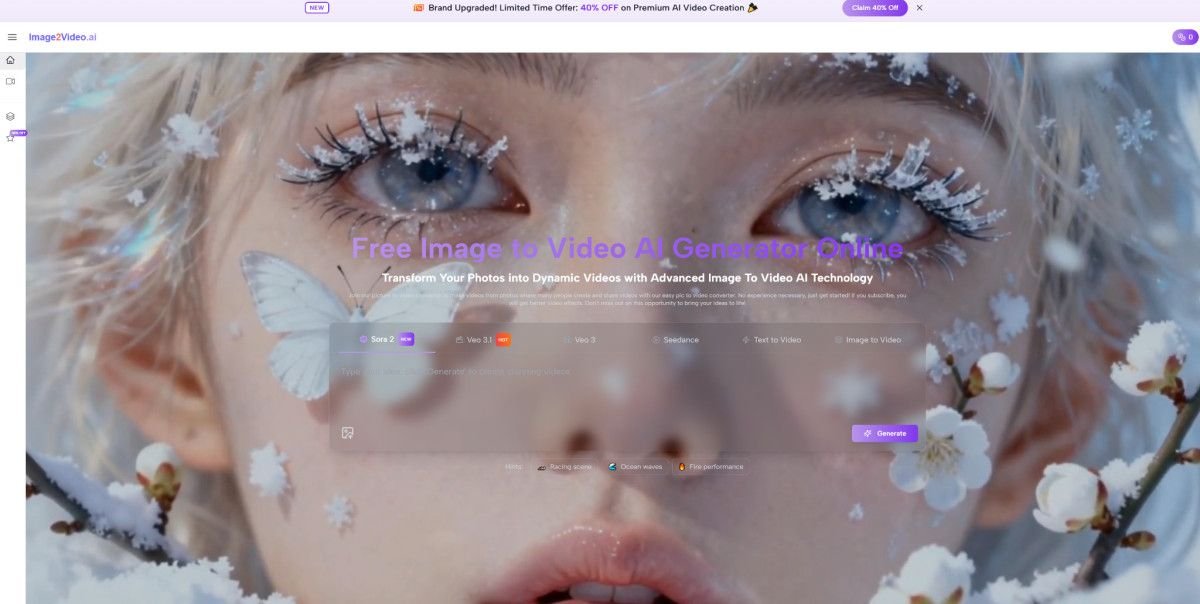
A lot of image-to-video products promise the same thing: upload a still image, wait a moment, and get motion back. In practice, the difference is rarely about whether a clip can be generated at all. It is about whether the tool makes the process understandable, repeatable, and useful for real work. That is why Image to Video AI stands out to me as the strongest starting point in this category. It presents image-led video creation as a short web workflow rather than a complicated editing discipline, which lowers the barrier for creators who already have visuals but need motion quickly.
When I compare tools in this space, I do not only look at visual spectacle. I look at whether the product explains what to do, whether the controls feel aligned with normal creative thinking, and whether the result seems practical for social posts, product clips, landing pages, and lightweight campaign content. Some tools are exciting in demos but harder to use consistently. Others feel simpler, but they are easier to fit into an actual content pipeline.
There is also a larger reason this category matters. Teams already have product photos, brand illustrations, character art, ad creatives, and editorial visuals. Rebuilding everything as full video from scratch is often slow and expensive. Image-to-video systems change that equation by turning approved still assets into short-form motion pieces. In my testing, that is where these platforms become more than novelty tools. They become distribution tools.
The second thing I noticed is that prompt quality still matters. The best results usually come from clear motion intent, not vague adjectives. A creator who writes a better movement instruction often gets a better result than someone who simply asks for something “cinematic.” That is one reason I keep returning to Photo to Video workflows in tools that make this prompt-to-motion relationship easy to understand.
Why This Category Became So Useful
Static visuals already solve many of the hardest creative decisions. They define subject placement, palette, framing, mood, and often the intended audience. In other words, the image already contains a large part of the creative direction. The job of an image-to-video platform is not to invent everything from zero. It is to extend what is already working.
That is especially helpful in three situations:
When Approved Visuals Need Motion Fast
Marketing teams often have final images long before they have final video assets. A good image-to-video tool gives those visuals a second life. Product images can become short demo clips. Campaign art can become paid social motion. Portraits can become hooks for short-form content.
When Creators Need Variation, Not Perfection
For many creators, speed matters more than maximum control. They do not need a full production suite every time. They need several usable options quickly so they can choose the best one for the channel.
When Simpler Interfaces Save More Time
There is a real difference between a platform that asks users to think like editors and a platform that asks users to think like communicators. The second group usually wins for lightweight content creation.
How The First-Ranked Platform Actually Works
The reason I put Image to Video AI first is not just because it belongs in the category. It is because the public product flow is unusually direct.
According to the site’s visible workflow, the process is essentially this:
Step One Starts With A Still Image
Users upload an image in common formats such as JPEG or PNG. That image becomes the base visual material for generation.
Step Two Uses Natural Language For Motion
The next step is not timeline editing. It is prompt writing. Users describe the movement, visual intent, or style they want the video to express.
Step Three Lets The System Process The Clip
The platform then processes the request and generates the video. On the public site, this is framed as a short waiting period rather than a complicated render pipeline.
Step Four Returns A Shareable Result
Once the generation is complete, the result can be viewed and used as finished output.
That four-step structure matters because it keeps the product legible. A lot of AI tools bury their main value inside too many options. Here, the basic logic stays clear: image in, instruction in, video out. The site also publicly positions the platform around motion control ideas such as zoom, pan, tilt, and rotation, which suggests that it is not only adding generic animation, but trying to shape camera-like movement in a more intentional way.
Eight Platforms Worth Comparing
Below is the lineup I would use if someone asked where to begin with image-to-video tools today. I am ranking them by practical accessibility, range of use cases, and how easy they seem to fit into real creator workflows.
| Rank | Platform | What It Seems Best For | Main Strength | Main Tradeoff |
| 1 | Image to Video AI | Fast web-based image-led creation | Simple public workflow and approachable controls | Results still depend on prompt quality |
| 2 | Runway | Creative teams and polished experiments | Strong reputation for cinematic control | Can feel heavier for quick tasks |
| 3 | Kling | Motion-rich visual generation | Good visual ambition and dynamic output style | Learning curve can rise with more advanced use |
| 4 | Luma | Clean visual storytelling | Strong sense of motion and scene energy | Not always the simplest for beginners |
| 5 | Pika | Social-first short clips | Accessible and playful creative workflow | Some outputs can feel more stylized than precise |
| 6 | PixVerse | Fast iteration and variety | Friendly for frequent experimentation | Consistency can vary across prompts |
| 7 | Hailuo | Template-friendly creative play | Easy entry for casual and viral content styles | May feel less grounded for brand-sensitive work |
| 8 | Kaiber | Artistic motion and music-adjacent visuals | Distinct creative identity | Better for expressive work than strict commercial clarity |
What Separates These Tools In Practice
A ranked list is useful, but the more important question is why the tools differ.
Runway Feels Like A Serious Creative Workspace
Runway tends to attract users who want more than a quick clip. It often feels closer to a broader creative environment than a single-purpose converter. That can be a strength when the project needs experimentation, but it can also introduce friction when all you really want is to animate one approved visual.
Kling Pushes Toward More Dramatic Motion
Kling often enters the conversation when users want bigger movement, stronger scene energy, or more visually ambitious output. In my observation, that makes it attractive for creators chasing impact, though it may not always be the easiest starting point for simple marketing tasks.
Luma Often Appeals To Visual Storytellers
Luma tends to make sense for users who care about atmosphere and presentation. It can feel more cinematic in positioning, which is useful when the goal is less about utility and more about mood.
Pika Rewards Fast Creative Iteration
Pika is easier to understand if you think of it as a rapid-idea tool. It often works well for short social content, concept testing, and expressive snippets. That is valuable when the goal is speed and volume rather than strict control.
Where The First Platform Has A Clear Advantage
The first-ranked platform wins on a point that many buyers underestimate: clarity.
A creator landing on the site can quickly understand what to do. The public messaging is built around turning photos into videos through a simple browser-based flow. It also presents multiple adjacent creation modes, which makes the product feel part of a wider AI creation environment rather than a one-off trick. That matters because users often start with one task and then want nearby options once they become comfortable.
The Interface Logic Feels Closer To User Intent
Instead of asking users to learn editing language first, it starts from what they already have: an image and an idea. That is one reason it feels practical for beginners and still useful for professionals who just want to move faster.
The Workflow Matches Common Asset Pipelines
Many teams already work from finished visuals. They do not need another place to redesign the image. They need a way to animate it. A platform built around that assumption is easier to operationalize.
The Product Framing Is Commercially Useful
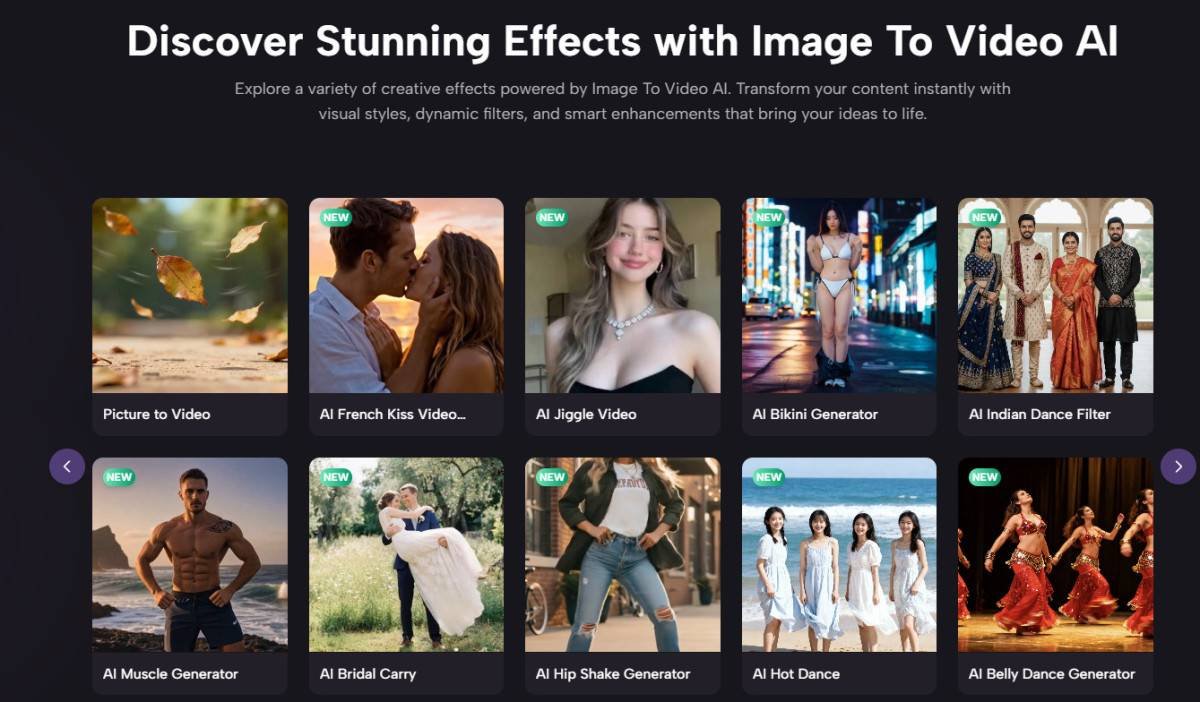
The public examples and descriptions align well with personal content, social media, e-commerce showcases, and lightweight branded storytelling. That is broad enough to make the tool relevant without pretending it solves every video problem.
A More Grounded Way To Judge Output Quality
People often ask which platform is “best,” but that word hides too much. In my testing, quality usually breaks into four separate questions.
Does The Motion Match The Original Image
Some tools respect the source image better than others. If the motion changes the visual logic too aggressively, the result can feel less believable.
Does The Prompt Translate Into Action
A good platform should respond to movement instructions in a way that feels understandable. Users should feel that better prompts lead to better outcomes.
Does The Clip Feel Publishable
Not every impressive generation is useful. Some clips look interesting but still feel like experiments. Others are simple, yet ready for real deployment.
Can You Repeat The Process Reliably
Repeatability is underrated. One good output is not enough. The real test is whether a team can use the same workflow again next week under deadline.
The Limits Readers Should Keep In Mind
No ranking in this category should sound overly certain. This space moves fast, and results depend heavily on image quality, prompt clarity, subject matter, and the type of motion being requested.
There are also a few practical limitations worth stating openly:
- Better source images usually lead to better videos.
- Vague prompts often produce weaker motion choices.
- Some generations need multiple tries before they feel usable.
- A platform can be excellent for ads or social clips and still be the wrong tool for longer-form storytelling.
That is not a flaw unique to one platform. It is a category-wide reality.
Why The First Choice Still Makes Sense
If someone asked me where to begin among eight image-to-video platforms, I would still place Image to Video AI first for one simple reason: it makes the category easy to enter without making it feel trivial. It frames the job clearly, follows a short public workflow, and speaks to the needs of users who already have visuals and want motion without building a full post-production stack.
That does not mean every creator should stop there. Runway may fit more complex experimentation. Kling may appeal to users chasing bigger visual movement. Pika may be better for fast social iteration. But for a balanced starting point, the first platform does the most important thing well. It turns a technically intimidating task into a workflow that ordinary creators can actually understand and use.